
Parts, documents & AOG
How to identify an aircraft part: P/N, S/N and configuration
Read an aircraft equipment label, preserve the complete part number and prepare the right photographs and configuration details for a quotation.
Ask about this requirementThe quick answer
Start with the manufacturer and the complete part number printed on the equipment or its controlled documentation. A model identifies a product family; a P/N identifies an ordered configuration; an S/N identifies one individual unit. Keep every dash, suffix and leading zero. If a label is unclear, send a photograph and mark the uncertain characters instead of guessing. A catalogue reference alone is not proof of the manufacturer P/N or installation eligibility.
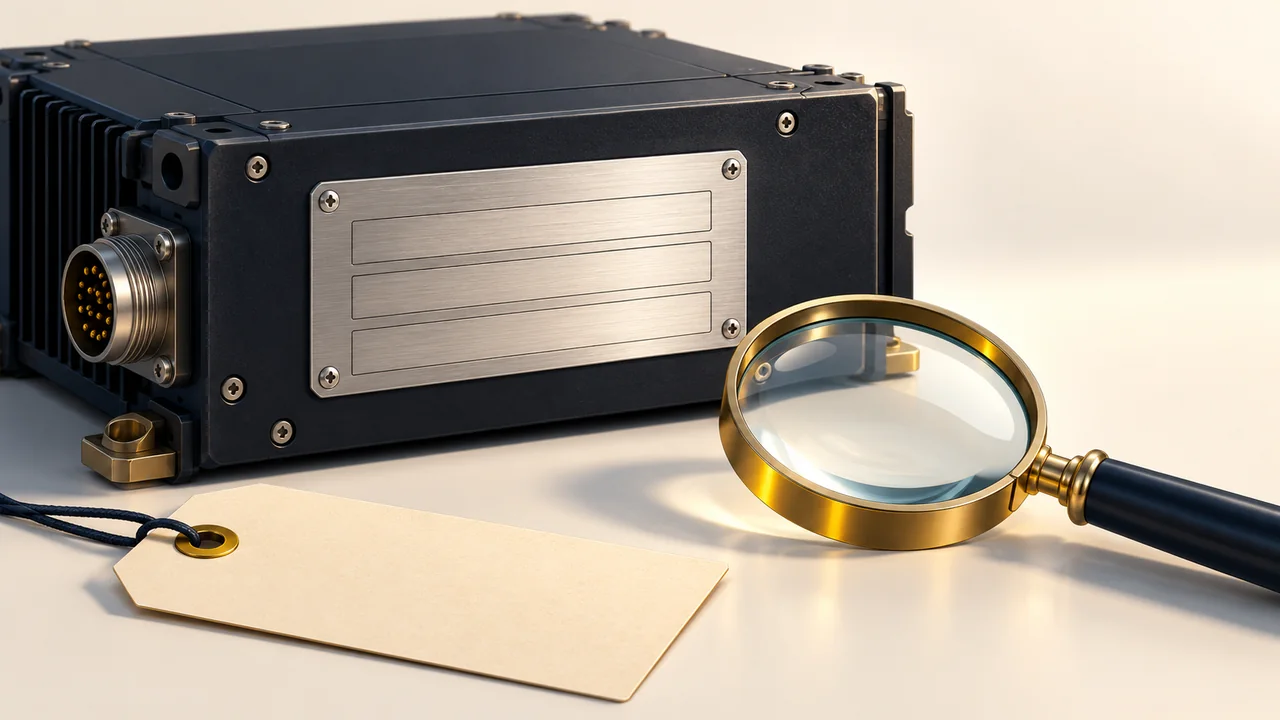
Illustrative example — not a real customer case
A worked purchasing example: A model name is not an exact part
An illustrative label reads MODEL DEMO COM, P/N DEMO-001-A and S/N EXAMPLE-0001. A request for “the same radio” leaves the suffix and configuration unknown.
What to include
- Copy the complete P/N, including the final A; keep the S/N in its separate field.
- Attach a readable label photo and state the quantity, aircraft and required documentation.
- If a supplier suggests DEMO-001-B, ask for its documented relationship to the requested part before approving it.
What this resolves
The enquiry now identifies the requested variant. The example does not establish that A and B are interchangeable.
Read the label in context
Photograph the entire unit first, then the identification plate in focus. Record manufacturer, model, P/N, S/N and any visible modification or voltage marking. A front-panel model name and a rear-unit P/N can describe different aspects of the same assembly. For a kit, distinguish the kit reference from the main unit, connector kit, tray and antenna. Do not remove equipment or open its housing just to obtain a photograph; use accessible markings and maintenance records.
Keep variants separate
A matching family name or similar appearance is not enough to merge two requests. A suffix can identify a different interface, voltage, power, mounting arrangement or approved configuration. Ask for an exact match first. If an alternative is acceptable, request a clearly identified alternative with its own P/N and a statement of the differences; compatibility remains a separate check.
Resolve conflicting information
If the label, invoice and parts catalogue disagree, preserve all three references and explain the discrepancy. The supplier needs to know whether the requirement is an exact replacement, a kit, a repair of the existing serialized unit or an approved upgrade. Maintenance or installation documentation should resolve aircraft eligibility through the responsible qualified organisation.
What to compare
| Field | What it identifies | What to send |
|---|---|---|
| Model | Product family | Exact model spelling |
| P/N | Part/configuration | Full reference, including suffix |
| S/N | Individual unit | Serial number for service or warranty |
| Store reference | Supplier catalogue entry | Reference plus label evidence |
Make a better decision
Separate unit, kit and serial identity
The field map uses fictional DEMO values. Read equivalent fields from your accessible label or controlled record; do not infer a missing suffix.
| Situation / option | Compare | Next step |
|---|---|---|
| Assembly / unit P/N | The actual item requested, including every suffix and leading zero. | Attach the overall view and readable identification plate. |
| Kit / accessory reference | A kit may include the unit plus tray, connectors or another accessory. A kit number is not automatically printed on the unit. | Ask for an explicit list of included P/Ns and quantities. |
| S/N / modification status | S/N identifies the individual unit; modification markings or records can refine its configuration. | Keep model, P/N, S/N and modification fields separate in service requests. |
- MODEL
- DEMO COM / DEMO ELT
- P/N
- DEMO-001-A
- S/N
- EXAMPLE-0001
- KIT
- DEMO-KIT-01
- Model / product family
- P/N / full configuration
- S/N / individual unit
- Suffix / modification / kit
Prepare your own enquiry
Replace the bracketed fields with your actual details. Keep unknown information marked unknown. This is a request template, not an order.
Illustrative request example — not a real customer case
Manufacturer / model: DEMO manufacturer / DEMO COM
Unit P/N exactly as printed / S/N: DEMO-001-A / EXAMPLE-0001 — fictional label
Kit and separate accessory references: DEMO-KIT-01; request a separate accessory list
Unknown characters / conflicting document reference: Last suffix unclear in invoice; label and invoice attached for clarification
Technical terms in plain language
- P/N
- The full part/configuration identifier, preserving every suffix.
- S/N
- The individual unit serial; it is separate from the model and P/N.
- Installation eligibility
- The aircraft-specific suitability/approval question resolved through the applicable data and responsible organisation.
Your enquiry checklist
0 / 6 checked
Common mistakes to avoid
- Dropping a suffix or leading zero
- Treating a store reference as a verified P/N
- Assuming a similar connector proves compatibility
Related products and services
Common questions
What if I cannot find the part number?
Send the model, accessible photographs and the relevant aircraft or equipment context. State that identification is incomplete so the request is reviewed before supply.
Can two P/Ns be treated as interchangeable?
Only after the relevant manufacturer or approved technical data confirms the specific application and the alternative is accepted for the request.
Sources and further reading
Ask about this requirement
Your topic is carried into the enquiry. No account or payment details are needed.
Ask about this requirementService & AOG in Israel